The last few days of the month are often spent waiting—waiting for that essential notification that confirms financial stability for the coming weeks. For the millions of residents in the UAE who bank with First Abu Dhabi Bank (FAB), the moment the salary hits the account is crucial. Whether you’re planning your monthly rent payment, scheduling a loan instalment, or preparing for an international remittance back home, timely and accurate confirmation of your pay is non-negotiable.
This is where the definitive FAB Salary Check guide comes in. More than just checking a number, confirming your salary deposit is the foundation of effective financial planning in the Emirates. FAB, as a cornerstone of the UAE’s banking sector, offers multiple, secure ways to verify your payment the second it clears.
This guide will walk you through every method, from the lightning-fast push notifications on the FAB Mobile App to essential checks for those using the specialized Ratibi payroll card. Stop checking your phone every five minutes and learn the official, reliable ways to perform your FAB Salary Check and gain instant peace of mind.
📱 The Instant Methods: Digital FAB Salary Check
The fastest and most reliable ways to confirm your salary deposit involve FAB’s digital platforms, which provide real-time updates.
1. The FAB Mobile App: The Fastest Confirmation
The FAB Mobile App is your most powerful tool for salary monitoring. It provides immediate visibility into your account activity.
- Instant View: Log into the app (using Biometrics or PIN). Your Available Balance is shown immediately on the Home Screen.
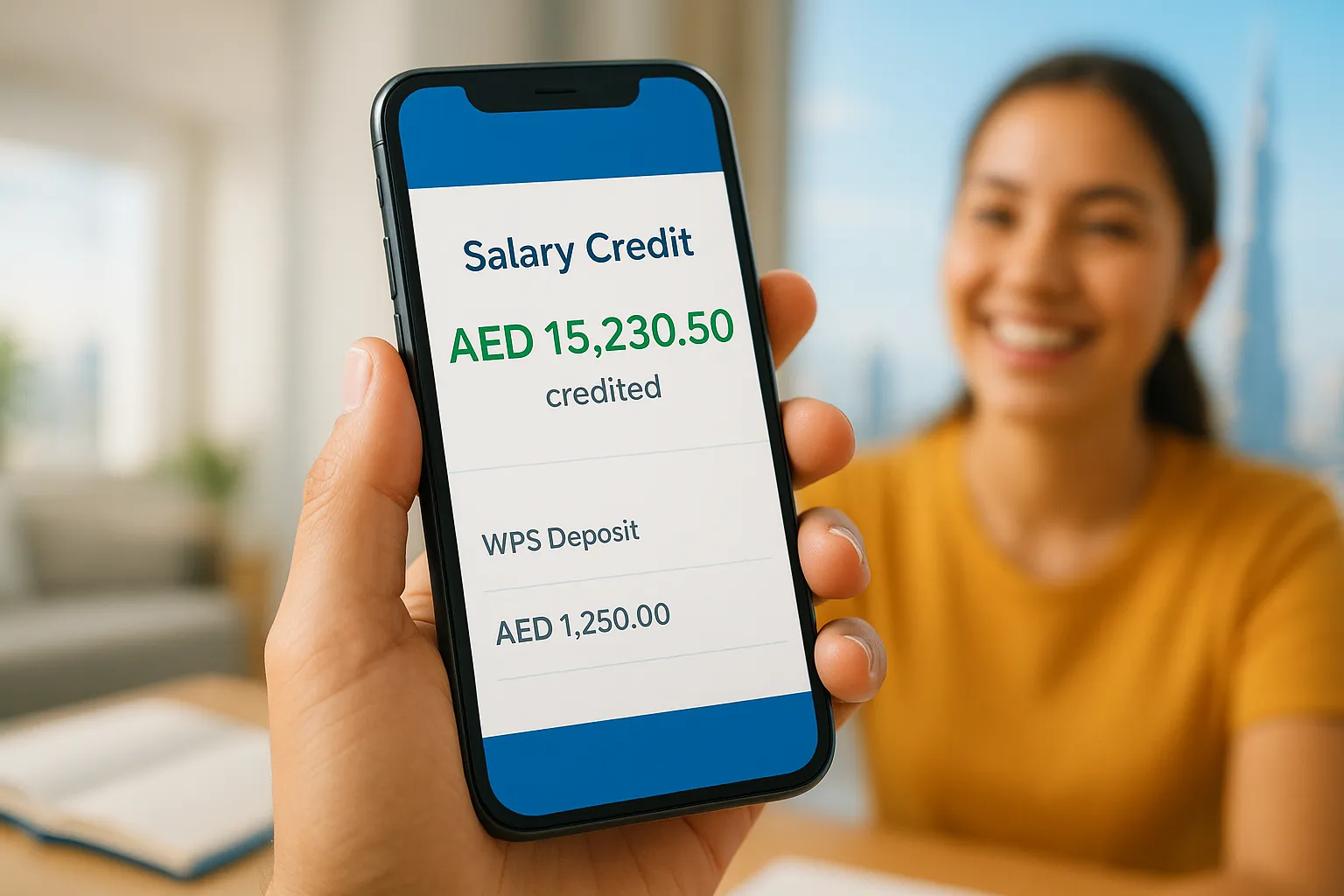
- Transaction History: Tap on your Current Account to view recent transactions. A salary deposit will typically be listed with a clear description, often including **”WPS”** (Wages Protection System) or **”Salary Credit”**.
- Pro-Tip: Ensure you have **Push Notifications** enabled on the FAB app. You will receive an instant alert on your phone the very moment the salary is credited.
2. SMS Banking: The Critical Alert
The most straightforward confirmation for a salary transfer is often the automatic SMS alert from FAB.
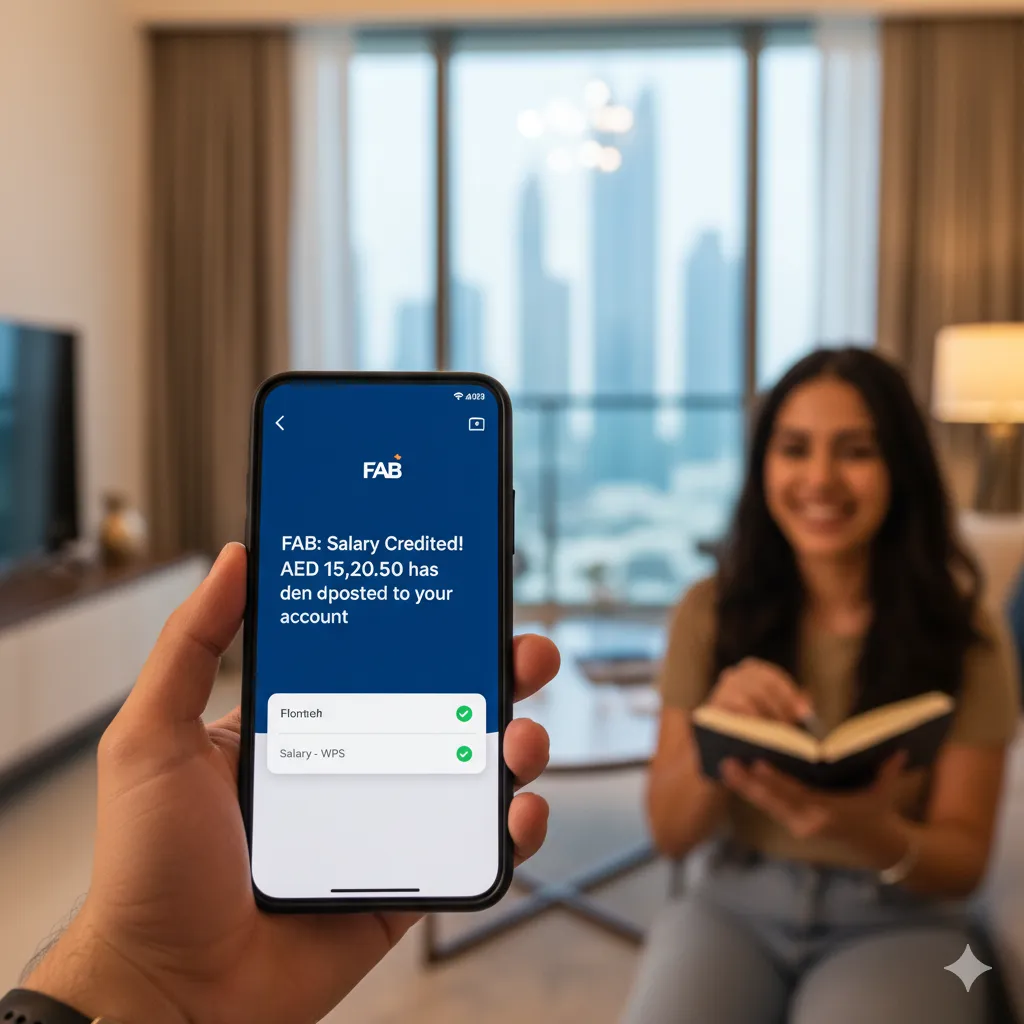
- Automatic Alerts: When your employer initiates the WPS transfer, FAB sends an SMS notification detailing the credited amount. Ensure your mobile number is correctly registered with the bank.
- Manual Check: If you are unsure, you can send a manual request via SMS (if you have previously registered for the service at an ATM or branch). A quick keyword like **’BAL’** sent to the assigned shortcode will return your current balance, allowing you to check if the new funds are included.
3. FAB Online Banking Portal
For those at a desktop, the Online Banking portal provides a detailed ledger view of all account transactions.
- Login: Access the official FAB website and log in securely.
- Review Activity: Navigate to the **’Accounts’** or **’Transaction History’** section. You can use date filters to quickly locate the salary credit entry and confirm the exact amount and deposit time.
💳 Specialized Salary Check: The FAB Ratibi Card
The Ratibi prepaid card is a common salary payment method for employees earning up to AED 5,000, particularly those under the UAE’s WPS rules. Checking this balance is slightly different than a standard bank account.
A. Ratibi Card Online Portal
FAB often maintains a dedicated online portal for Ratibi cardholders. This is the best non-ATM method for checking your available funds.
- Access: Visit the specific FAB Ratibi portal (check your card documentation for the exact URL).
- Verification: Enter your **Ratibi Card Number** (from the front) and a unique **Card ID** or PIN/OTP for verification.
- Result: The portal displays your current, loaded balance instantly.
B. Ratibi ATM Enquiry
The easiest method for many cardholders is still the ATM.
- Use any FAB ATM.
- Insert your Ratibi card and enter your PIN.
- Select **”Balance Enquiry”** to see the available salary funds.
⚠️ Troubleshooting & Support for Your FAB Salary Check
Sometimes the salary doesn’t arrive exactly on time. Understanding the process and knowing who to contact is essential.
Why is My Salary Delayed?
If you don’t see the deposit by the expected date, consider these common reasons:
- **WPS Processing Time:** The Wages Protection System (WPS) batch transfer takes time to clear through the UAE Central Bank and into the individual FAB accounts.
- **Public Holidays:** Transfers initiated just before a public holiday (especially Eid or National Day) may be delayed until the next working day.
- **First Salary:** The first salary transfer often takes longer due to initial setup and verification of the WPS file with the Ministry of Human Resources and Emiratisation (MoHRE).
- **Employer Error:** The most common issue is a delay in the employer submitting the WPS file. Always check with your HR or Finance department first.
Customer Care and Verification
If the delay is significant, you can contact FAB directly for account status confirmation:
FAB Customer Service Hotline:
- **Within UAE:** 600 52 5500
- **Ratibi Card Support:** While the general line can help, Ratibi users often have a dedicated support number: **600 52 2298** (confirm with FAB documentation).
Ensure you have your Customer ID or Account Number ready for swift verification.
Conclusion: Achieving Financial Peace of Mind
The timely confirmation provided by a successful **FAB Salary Check** is crucial for managing your life in the UAE. By leveraging the secure, instant tools provided by First Abu Dhabi Bank—especially the FAB Mobile App and its notifications—you can shift your focus from worrying about your pay to planning your finances.
Take control today: enable your digital alerts, know your support contacts, and manage your money with the confidence that comes from instant, verified account visibility.